Configuring Permissions
The Eagleview for Salesforce App includes two Permission Sets that must be assigned to users for proper access. Without one of these, users cannot fully utilize the service.
Permission Set Overview
Eagleview Admin
Users assigned this permission set can:
- Access the Eagleview for Salesforce App via the App Launcher.
- Access the Setup Assistant.
- View and edit all Eagleview orders.
- Use the Eagleview Service.
Eagleview User
Users assigned this permission set can:
- Access the Eagleview for Salesforce App via the App Launcher.
- View and edit only their own Eagleview orders or those shared with them (System Administrators can override this behavior via Sharing Settings).
- Use the Eagleview Service.
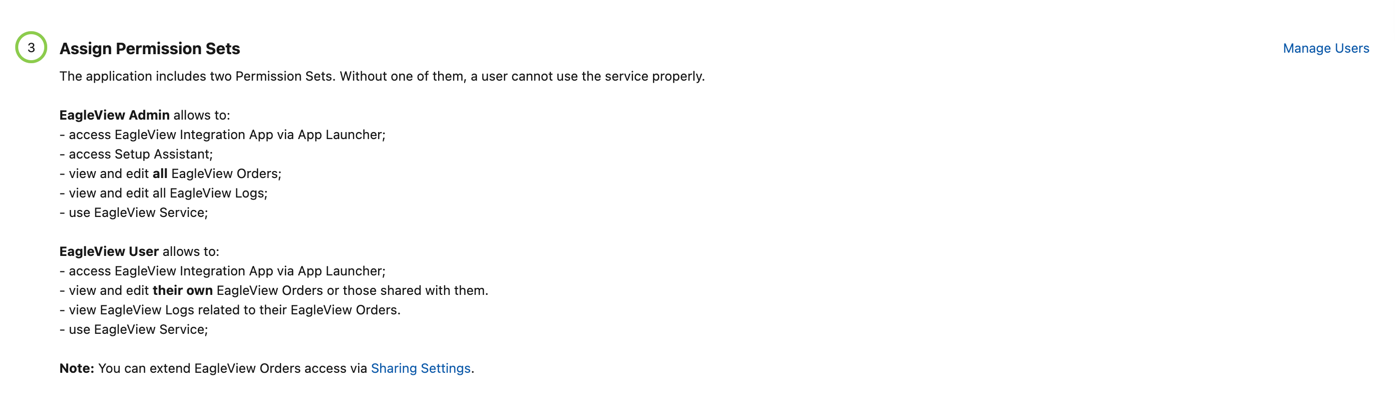
Assigning Permission Sets
To assign a Permission Set to a user, follow these steps:
- Click Manage Users – the system will redirect you to Users Setup page.
- Select the user you want to assign permissions to.
- Scroll to the Permission Set Assignments section and click Edit Assignments.
- In the Available Permission Sets column, select the appropriate permission set (Eagleview Admin or Eagleview User).
- Move it to the Enabled Permission Sets column using the arrow button.
- Click Save to apply the changes.